
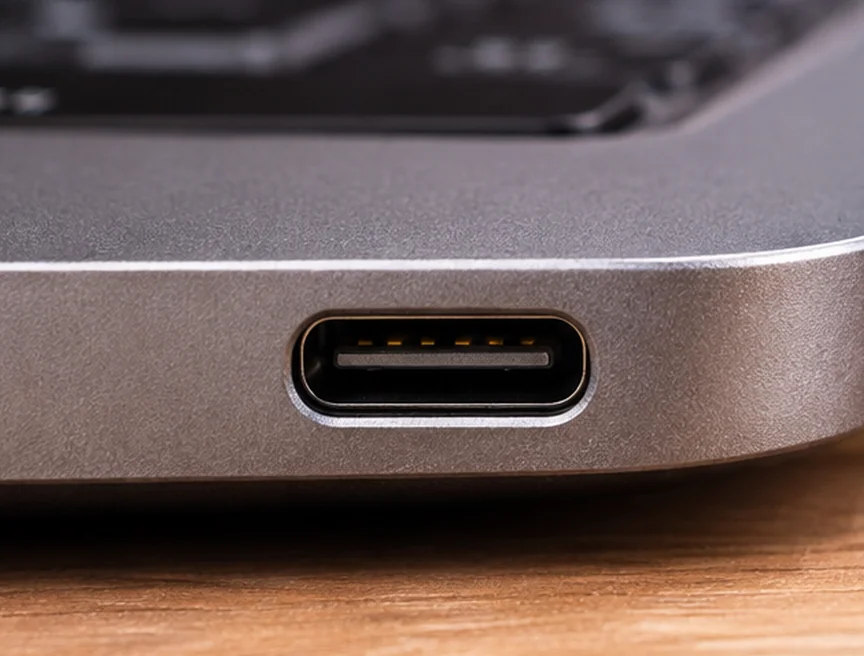
The oval shape lets a USB-C plug slide in either way up. The contacts inside have to work both ways too. The connector puts power and ground contacts in matching positions, and it has a way to tell the equipment which way round the plug went in.
How does it know which way I turned it?
There are small contacts used to detect a connection and its orientation. The equipment can use that information to steer certain data signals to the right contacts. You can flip the plug without having to think about any of that.
Does that mean every USB-C cable can do the same things?
A cable’s shape tells you it fits. Its design determines how fast it can transfer data and how much power it can handle. A cable that charges a device can look just like one designed for a high-speed monitor or drive.
For more on what makes an electrical connection, see Basics of Electric Utilities 101.